Home
Build DemandCold EmailLinkedInCold CallingAdvertisingSDR Staffing
Drive RetentionCustomer SupportBack Office SupportTechnical SupportDesk ImplementationQA
IndustriesSmart Products & DevicesHome & OutdoorHealth & WellnessApparel & FootwearFood & BeveragePowersports & AutomotivePet ProductsPhysical AI & Robotics
ResourcesCase StudiesFAQsGuidesSoonBlogSoonWebinarsSoonPressSoon
Drive Retention·Desk Implementation

The whole desk, designed before anyone picks up a phone

Helpdesk, macros, routing, tags and the playbook, built in your instance before go-live. Yours to keep.

A team setting up a support desk together

Get the whole desk designed and built in your own helpdesk before the first ticket arrives: routing, macros, tags and a written playbook, yours to keep.

The problem

Why six inboxes are not a desk.

A support operation without a design runs on whoever remembers. That looks like:

  • A shared inbox, store chat, social DMs and a phone line
  • A warranty sheet and the Amazon inbox, checked by whoever remembers
  • A playbook that lives in one person’s head
  • The one person who knows the answers unable to take a day off
  • No first response time and no CSAT by channel
  • No routing or tags, so no way to know what to fix

No numbers means no management, and every answer depends on who is in that day.

Charm fixes this by designing the whole desk before anyone picks up a phone.

The solution

One desk, designed, documented and yours to keep.

Our desk implementation service combines:

  • An audit of your inboxes, volume and ticket types
  • Your helpdesk set up with views, triggers, macros and routing
  • Tags and escalation paths built before go-live
  • A playbook with every ticket type, its answer and its owner
  • A supervised go-live with QA on every ticket
  • Handover docs: admin guides, macros and the decision log

Built from scratch if you have nothing, or plugged into what you already run. Tickets, contacts and macros come across where the old tool allows an export.

Charm builds it in your Zendesk, Gorgias, Intercom, HubSpot or Front instance. If we leave, the desk stays exactly as it runs.

Everything a support desk needs, built before the first ticket.

01.Your helpdesk, set up right

Helpdesk setup, routing and migration

Zendesk, Gorgias, Intercom, HubSpot or Front. Views, triggers, macros and routing, built and documented in your instance, so the history, the macros and the reporting stay with you.

Includes:

  • Every inbox routed into one desk
  • Views, triggers and macros
  • Tags for first response time and CSAT by channel
  • Escalation paths and hours
  • Migration from your old tool where it allows an export

When you move from an old tool, we rebuild the routing rather than copy it.

A laptop and monitors set up at a desk

02.A playbook, written down

Ticket types, answers, exceptions and owners

Every ticket type with its answer, its exception and who owns it. Written in the first two weeks, with the pages you do not have yet.

Includes:

  • Every ticket type with its answer
  • Exceptions written down, with who owns them
  • Built from your specs, warranty terms and failure modes
  • The pages you do not have yet
  • Written in the first two weeks

The answers stop living in one person’s head, so that person can take a day off.

A hand ticking off a checklist in a notebook

03.A supervised go-live

Staffing, training and a supervised ramp

Two weeks learning the product and writing the playbook, then staffing, training and a supervised ramp with QA on every ticket. The date is in the plan you get at kickoff.

Includes:

  • A go-live date in the plan at kickoff
  • Staffing and training, or your own team
  • QA on every ticket during the ramp
  • Handover docs and the decision log
  • First response time and CSAT by channel

Your team can run it without us if you want to. Some clients do, and it is priced as a project.

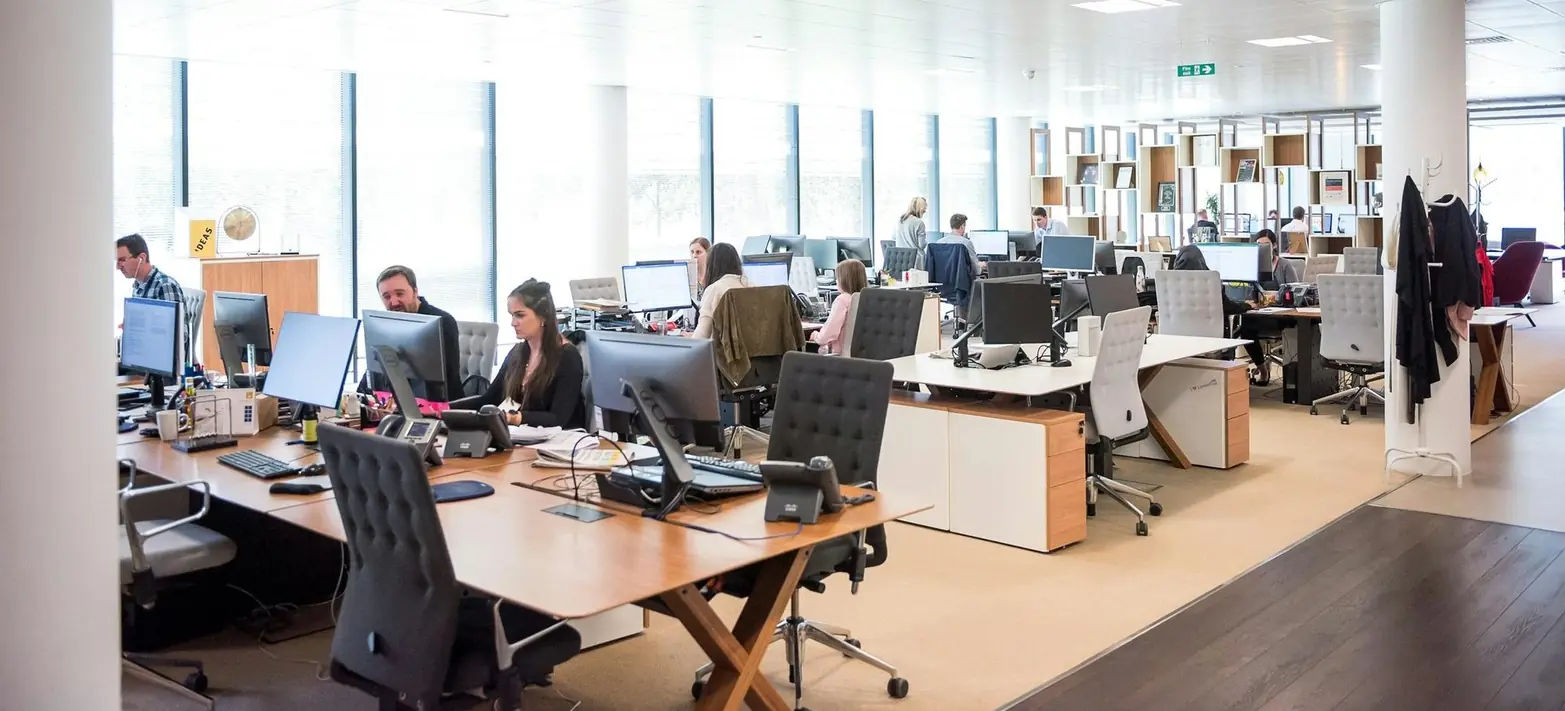
A team at work in a sunlit office

The Charm desk implementation workflow

  1. 01.

    Audit the inboxes

    We start with every inbox you run today, its volume and its ticket types, before anything is built.

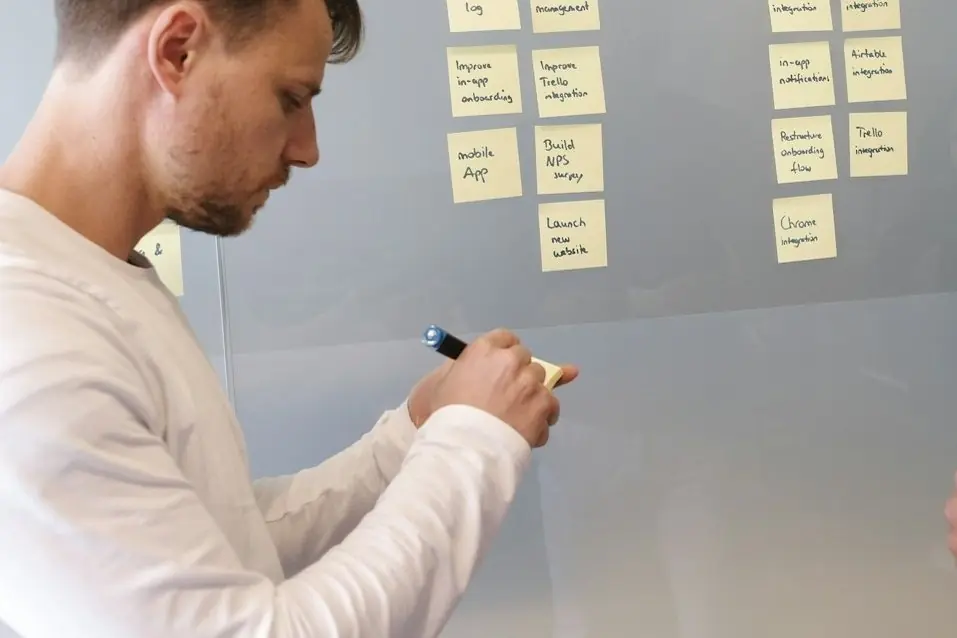
    A man writing on sticky notes on a glass wall
  2. 02.

    Build the helpdesk

    Views, triggers, macros, tags and routing, built and documented in your instance, with the escalation paths and the hours set before go-live.

    A man working on a laptop by a window
  3. 03.

    Write the playbook

    Every ticket type with its answer, its exception and who owns it, written in the first two weeks from your specs, warranty terms and failure modes.

    A woman mapping a process on a whiteboard
  4. 04.

    Go live supervised, hand it over

    A supervised ramp with QA on every ticket, then the admin guides, macros and decision log, so your team can run it without us if you want to.

    A team reviewing a plan on a whiteboard

Better routing. Better answers. A desk you own.

How every desk build runs:

Audit firstinboxes, volume, ticket types
Supervisedramp before go-live
Yourseverything built stays in your instance
Documentedrouting, macros and the decision log
Case studies

Two desks, designed before go-live.

Sutro’s season and CamerEye’s swim hours: both desks were built around the product before anyone answered a ticket.

Charm×Smart products & devicesCase study 01 / 02
Smart pool monitor→ Homeowners and retail buyers

A desk designed for a product that lives in a pool.

Designing a desk starts with when the tickets arrive. Sutro’s arrive at nine at night in summer, about chemistry, pairing and the app, so a desk that opens at nine in the morning in January is the wrong desk.

This one was built around the product: coverage for the season, the chemistry answers written down, the pairing flow in the playbook, replacements with their own rule.

We handleWater chemistryPairingApp setupReplacements
Seasoncoverage set before the peak
Charm×Smart products & devicesCase study 02 / 02
Pool safety camera→ Homeowners and installers

Coverage set around when families swim, before go-live.

A desk for a safety camera cannot be fixed after the first missed ticket. CamerEye’s had to be designed before go-live: the hours, the routing rule, the install walkthrough.

We set coverage around when families swim, learned the install and the app, and wrote the urgent-routing rule so a camera offline is answered first.

We handleCamera offlineInstallApp alertsUrgent routing
Camera offline · Install · App alertsin the playbook before go-live
All case studies →

Questions

The audit, the build and what stays yours.

Can you implement without staffing it?

Yes. Some clients take the desk design, the routing and the playbook and run it with their own team. It is priced as a project, scoped on the first call.

Do you migrate from our old tool?

Yes. Tickets, contacts and macros come across where the old tool allows an export, and we rebuild the routing rather than copy it.

Who owns it?

You. It is your instance and your playbook. The history, the macros, and the reporting stay with you.

How is pricing structured?

Per agent, per month, with the desk build included. The price moves with hours of coverage, channels, and how technical the product is. No per-ticket surprises and no long-term lock-in.

How long until we are live?

The first two weeks are learning the product and writing the playbook; the rest is staffing, training, and a supervised ramp.

Who does the work?

A dedicated team on your desk only: agents, a team lead, QA and a trainer, hired for your product and trained on your playbook before the first ticket.

How is quality scored?

Every agent is scored every week against your standard. The scorecard covers volume by channel, first response and resolution times, CSAT, QA results, and the revenue signals your team flagged, and the same numbers land in your inbox each week.

What happens when an agent leaves or underperforms?

The team lead covers the queue and a trained replacement steps in from the bench, so coverage holds. Coverage is set in the agreement, not improvised when volume hits.

Who owns the customer relationship?

You do. Every conversation, contact, and resolution lives in your system. If we ever part ways, nothing walks out the door with us.

Is there a contract length?

No long-term lock-in. The desk runs month to month after the ramp, and coverage is written into the agreement so nothing is improvised.

Your desk, designed before anyone answers a ticket.

Thirty minutes. Bring your inboxes and your helpdesk login. You leave with a desk design, a start date, and a price.