Home
Build DemandCold EmailLinkedInCold CallingAdvertisingSDR Staffing
Drive RetentionCustomer SupportBack Office SupportTechnical SupportDesk ImplementationQA
IndustriesSmart Products & DevicesHome & OutdoorHealth & WellnessApparel & FootwearFood & BeveragePowersports & AutomotivePet ProductsPhysical AI & Robotics
ResourcesCase StudiesFAQsGuidesSoonBlogSoonWebinarsSoonPressSoon
Drive Retention·Technical Support

Setup, pairing and firmware, solved on the first contact

Setup, pairing, firmware and troubleshooting for connected products, handled by people trained on the hardware, not on a script.

A technical support specialist troubleshooting hardware

Solve setup, pairing, firmware and troubleshooting on the first contact, with agents who learned the hardware before day one and escalations that reach your engineers with the logs attached.

The problem

Why setup is the first ticket, and the first return.

A connected product starts generating support on day one, before anyone has written the answer. Without a desk, that means:

  • Setup and pairing questions arriving before the answers are written
  • Engineers doing tier one instead of shipping firmware
  • The first ticket after a rollout guessed, not answered
  • Install questions that turn into returns
  • Escalations that reach engineers as complaints, not diagnoses

For a camera, a monitor or anything with a battery, the window between the question and the return is hours.

Charm fixes this with a desk trained on the hardware before the first ticket.
The solution

People trained on the hardware, not on a script.

Our technical support service combines:

  • Setup, pairing, firmware and troubleshooting on one desk
  • Tier 1 and 2 on one desk, most closed on first reply
  • A knowledge base of every known failure mode and its fix
  • Agents briefed before each firmware release
  • Escalations triaged with the device, the firmware version and the logs
  • A weekly report of what broke and what fixed it

Your engineers stop doing tier one. The desk answers the pairing question, and anything that needs engineering arrives as a diagnosis, not a complaint.

Charm works inside your helpdesk and your knowledge base, and keeps both current with every firmware release.

Everything a connected product needs, solved on the first contact.

01.Returns prevented

Setup and install support

Every install question answered before it becomes a return. On the Spout desk, setup, filters and dealer questions are handled by people who know the unit.

Includes:

  • Setup and install questions
  • Pairing, solved on the first contact
  • Troubleshooting for connected products
  • Dealer questions answered
  • Answers before the question becomes a return

Setup questions answered before they become returns.

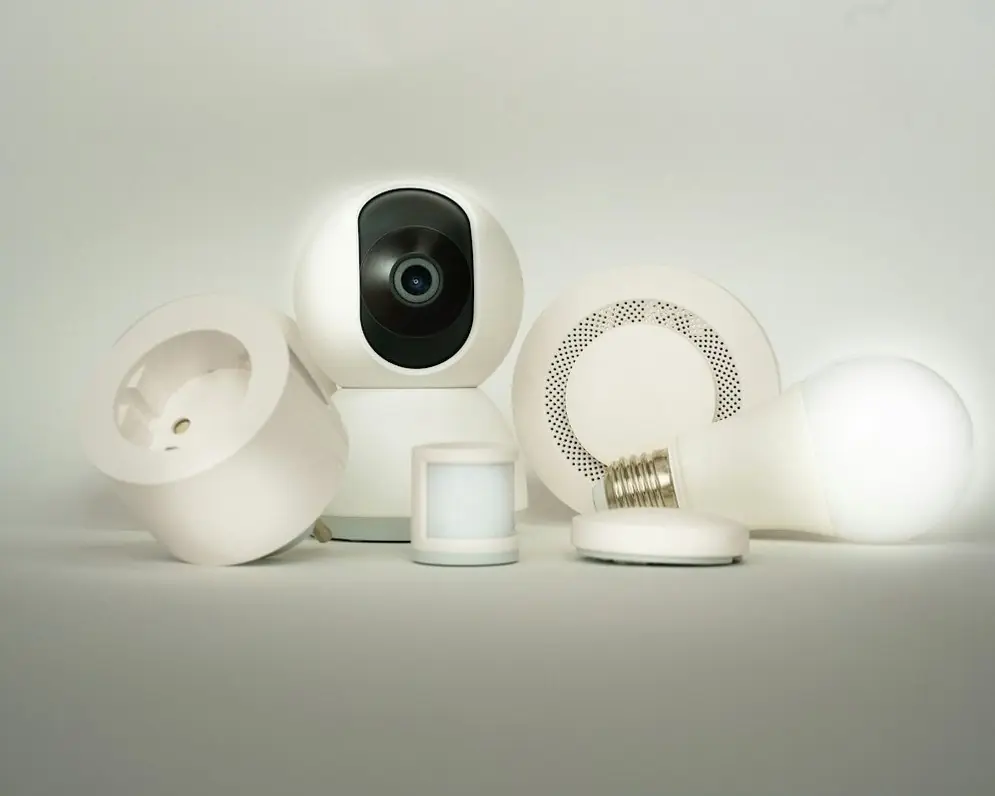
A set of white smart home devices

02.Tier 1 and 2 on one desk

Troubleshooting and triage

Most issues close on the first reply. The ones that need an engineer arrive triaged, with the device, the firmware version and the steps already tried.

Includes:

  • Most issues closed on the first reply
  • Hardware faults triaged with the logs attached
  • Escalations to your engineers with a repro
  • Escalation rules you set
  • Coverage hours set in the agreement

Every escalation carries the device, the firmware version, the logs and the steps already tried, so nobody starts over.

Two people troubleshooting together at a laptop

03.Trained on the hardware

Device, app and firmware training

Agents learn the device, the app and the failure modes before go-live. CamerEye’s desk was described by their COO as personable, technical, and coachable.

Includes:

  • The device and the app, learned before go-live
  • Every known failure mode with its fix
  • Briefings before each firmware release
  • A team lead, QA and a trainer on the desk
  • Weekly notes to your product team

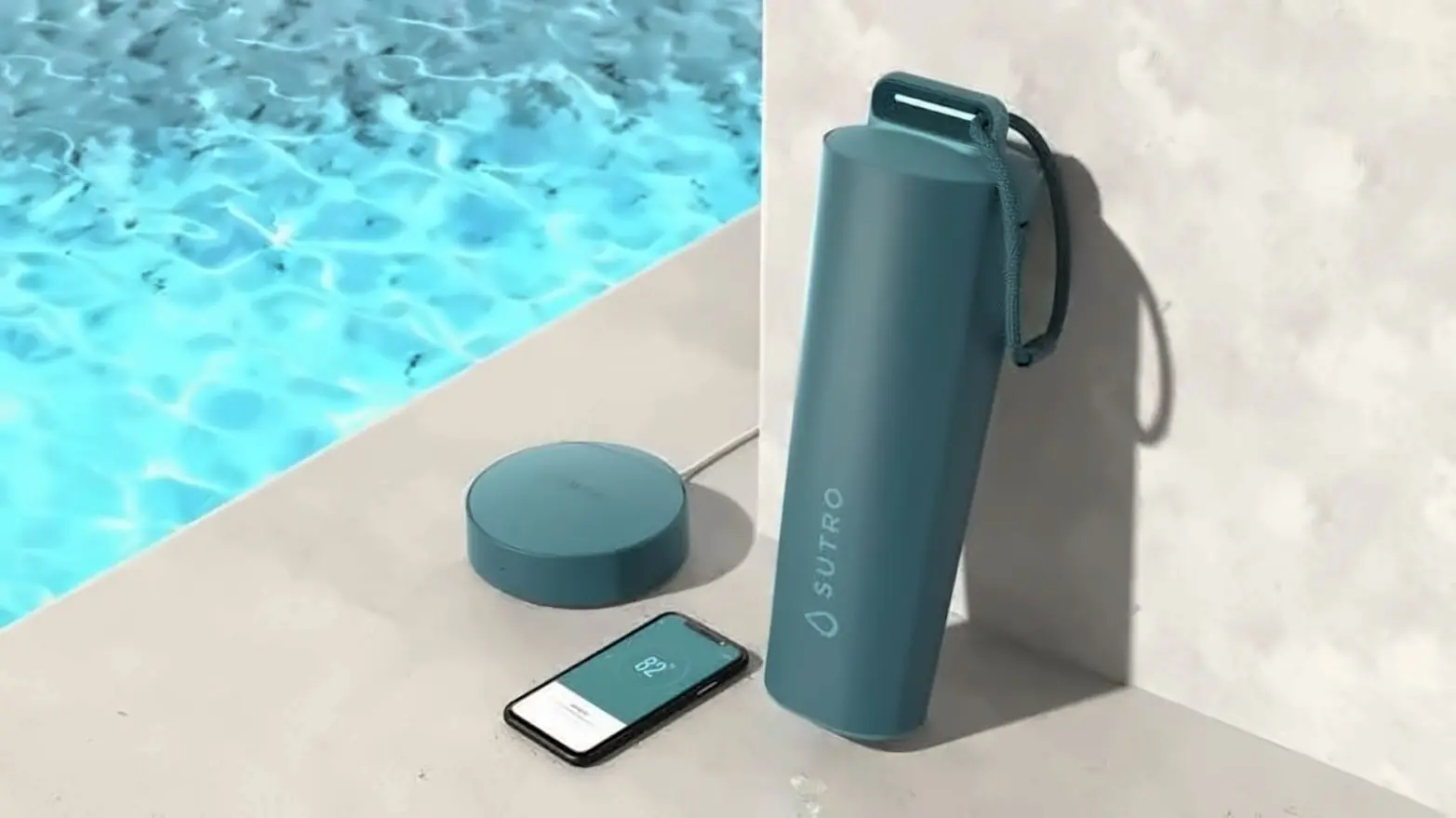
Sutro’s pool monitor and CamerEye’s safety camera run on desks like this.

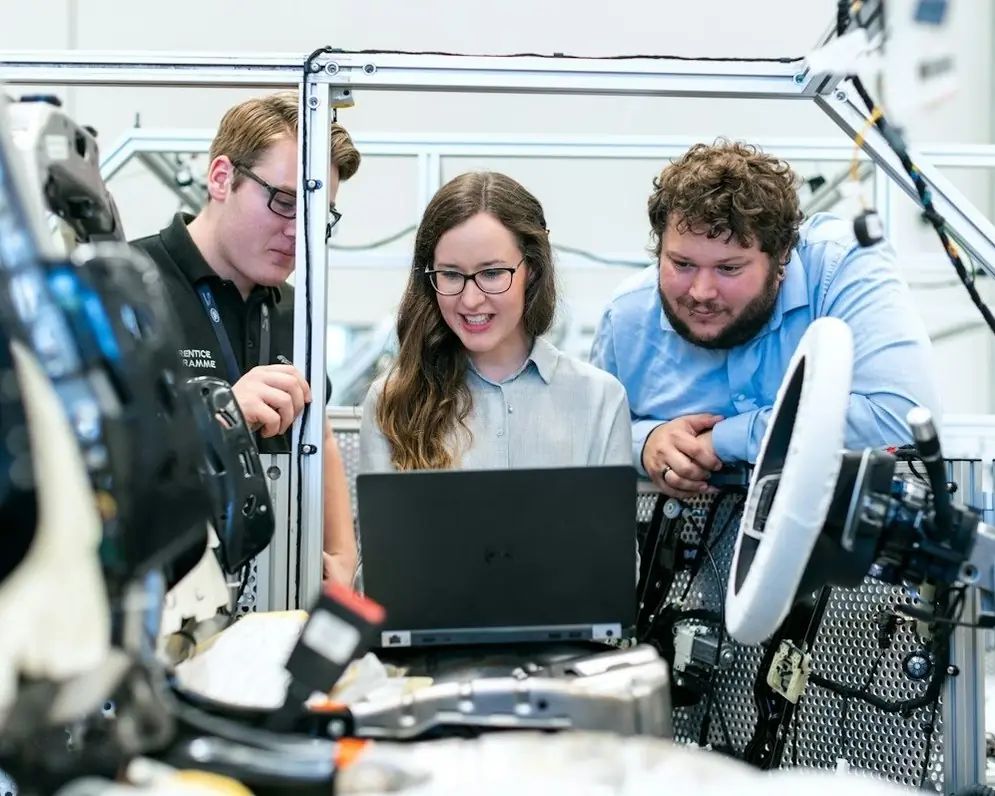
Three engineers at a laptop in a hardware lab

The Charm technical support workflow

  1. 01.

    Learn the hardware before day one

    Agents learn the device, the app, the firmware and the failure modes before go-live, starting from your top twenty tickets.

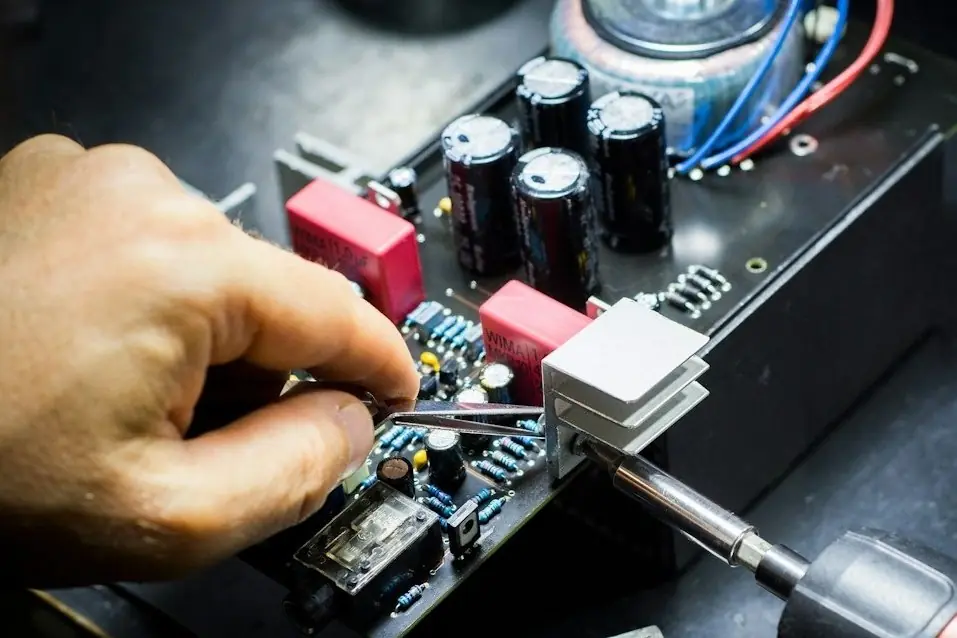
    A hand working on a circuit board
  2. 02.

    Write the fixes down

    Every known failure mode goes into your knowledge base with its fix, written in your helpdesk and kept current with each firmware release.

    A hand writing notes in a notebook
  3. 03.

    Solve it on the first contact

    Setup, pairing and troubleshooting are answered by people who know the unit, and most issues close on the first reply.

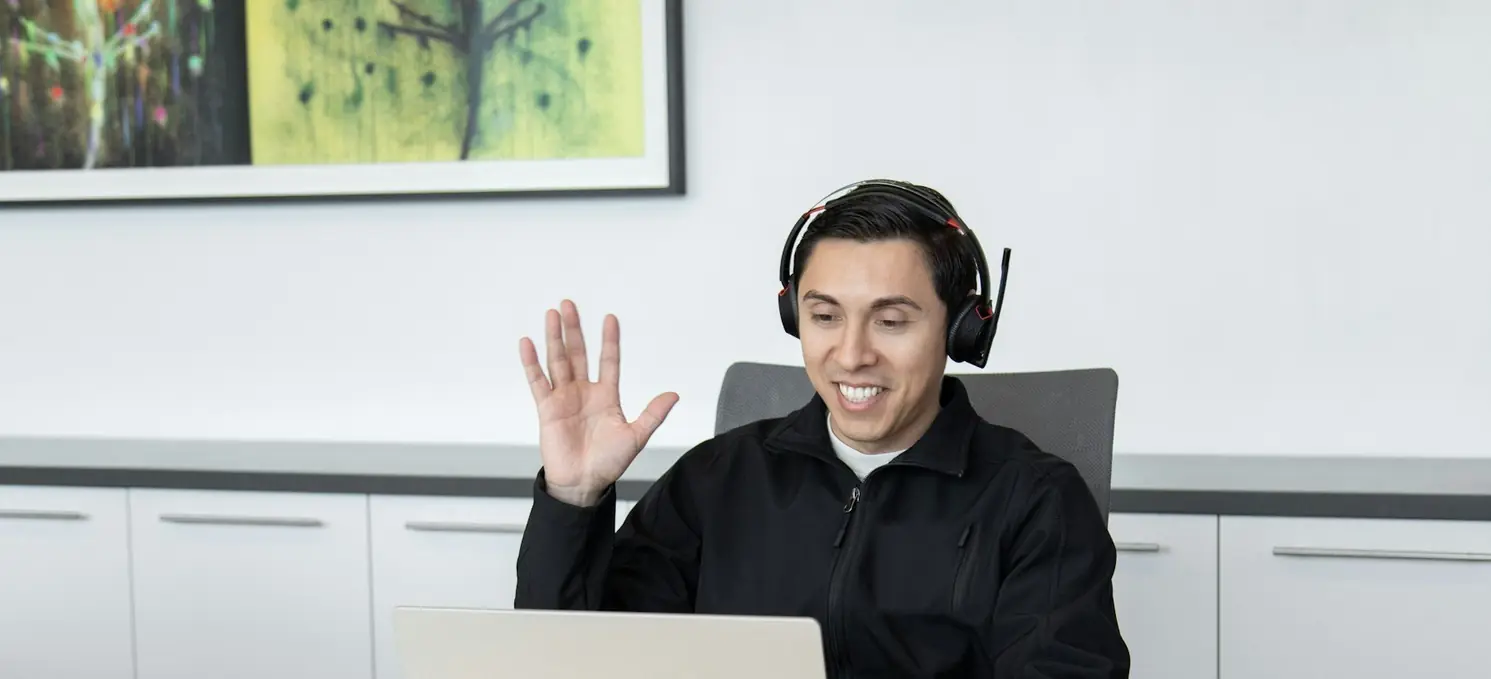
    A woman smiling and waving on a video call
  4. 04.

    Escalate with the logs attached

    Anything the desk cannot close goes to your engineers by a rule you set, with the device, the firmware version, the logs and the steps already tried.

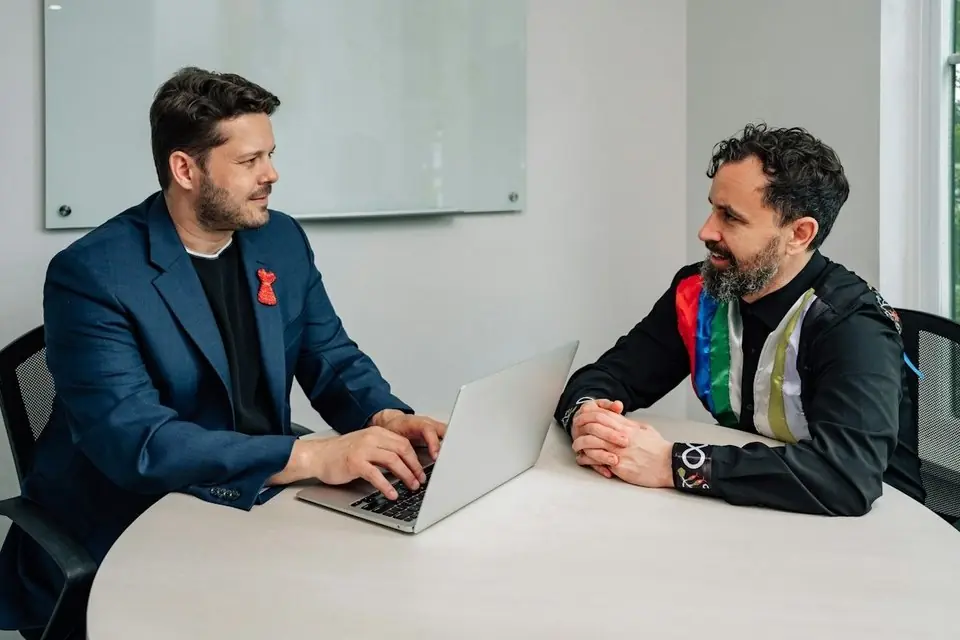
    Two men discussing an issue at a laptop

Better setup. Cleaner escalations. Fewer returns.

How the technical support desk runs:

Day oneagents trained on the hardware
First contactsetup and pairing solved
Logs attachedto every escalation
Weeklywhat broke and what fixed it, to your product team
Case studies

Two products where every ticket is technical.

CamerEye’s camera offline and Sutro’s pairing loop: solved on the first contact, escalated with the steps tried.

Charm×Smart products & devicesCase study 01 / 02
Pool safety camera→ Homeowners and installers

Camera offline is routed the moment it lands, not on Monday morning.

The most technical ticket on a safety camera is also the most urgent: a unit offline, with a family standing at the pool. CamerEye’s desk treats it that way.

We learned the install and the app, set coverage around when families swim, and route anything urgent first, with the steps tried attached when it goes to engineering.

We handleCamera offlineInstallApp alertsUrgent routing
Camera offline · Install · App alertshandled on the desk
Charm×Smart products & devicesCase study 02 / 02
Smart pool monitor→ Homeowners and retail buyers

Pairing, app setup and the failure modes, learned before the first ticket.

A pairing loop is a technical ticket that a script cannot solve. When Sutro’s monitor will not pair, or a reading looks wrong, the customer needs someone who knows the device.

Our team learned the chemistry, the app and the failure modes, so pairing and setup are solved on the first contact and the answer comes back the same night.

We handlePairingApp setupWater chemistryReplacements
All case studies →

Questions

Tiers, escalation and what your product team gets back.

Which products?

Connected devices and anything with an app or firmware. Sutro’s pool monitor and CamerEye’s safety camera run on desks like this.

How fast on an urgent issue?

CamerEye’s coverage is set around when families swim, and routes an urgent ticket the moment it lands. Coverage for your product is set in the agreement.

How do escalations work?

By a rule you set. Anything the desk cannot close goes to your engineers with the device, the firmware version, the logs and the steps already tried, so nobody starts over.

How is pricing structured?

Per agent, per month, with the desk build included. The price moves with hours of coverage, channels, and how technical the product is. No per-ticket surprises and no long-term lock-in.

How long until we are live?

The first two weeks are learning the product and writing the playbook; the rest is staffing, training, and a supervised ramp.

Who does the work?

A dedicated team on your desk only: agents, a team lead, QA and a trainer, hired for your product and trained on your playbook before the first ticket.

How is quality scored?

Every agent is scored every week against your standard. The scorecard covers volume by channel, first response and resolution times, CSAT, QA results, and the revenue signals your team flagged, and the same numbers land in your inbox each week.

What happens when an agent leaves or underperforms?

The team lead covers the queue and a trained replacement steps in from the bench, so coverage holds. Coverage is set in the agreement, not improvised when volume hits.

Who owns the customer relationship?

You do. Every conversation, contact, and resolution lives in your system. If we ever part ways, nothing walks out the door with us.

Is there a contract length?

No long-term lock-in. The desk runs month to month after the ramp, and coverage is written into the agreement so nothing is improvised.

Setup questions answered before they become returns.

Thirty minutes. Bring the device, the app, and the top ten tickets. You leave with a desk design, a start date, and a price.